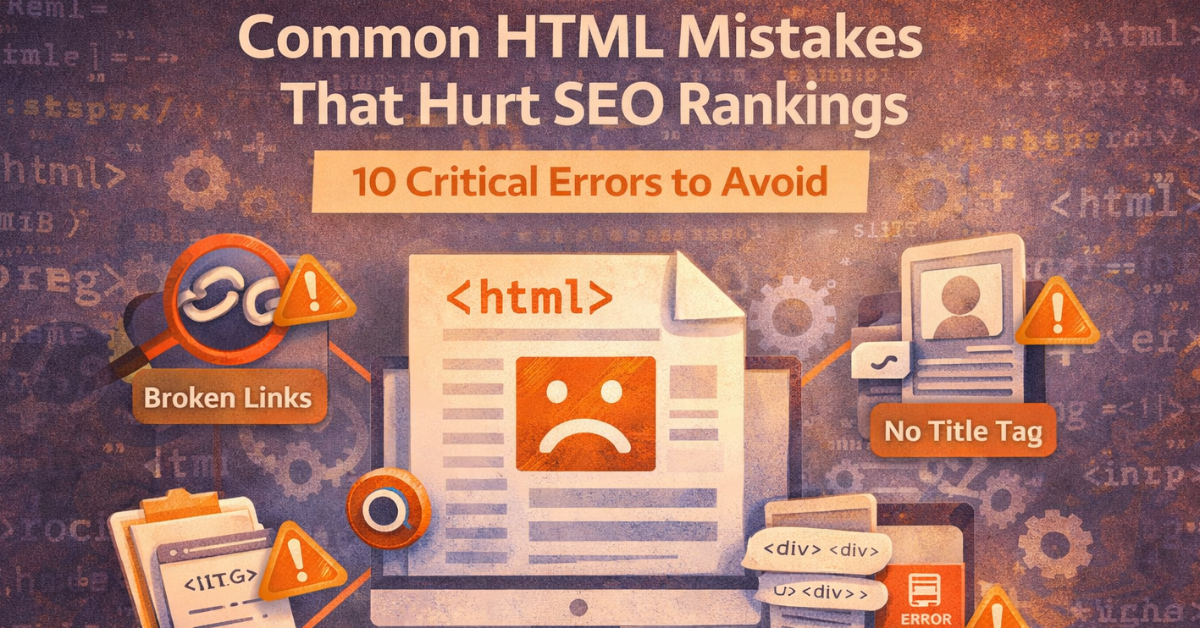
Search engine optimisation (SEO) is not just about keywords and backlinks—it also depends heavily on how your website is structured. HTML plays a crucial role in helping search engines understand your content.
However, many websites suffer from common HTML mistakes that hurt SEO rankings, leading to poor visibility and lower traffic.
By identifying and fixing these errors, you can significantly improve your website’s performance and ranking on search engines.
Search engines rely on HTML to:
The <title> tag is one of the most important SEO elements.
Headings help structure your content and improve readability.
Search engines cannot “see” images—they rely on alt text.
Example:
alt="website design services homepage layout"
Broken links create a poor user experience and harm SEO performance.
Meta tags provide important information about your page.
Using incorrect HTML tags can confuse search engines.
Too much inline code can slow down your website.
Duplicate content can harm rankings.
Example:
<link rel="canonical" href="https://example.com/page-url">
Search engines prioritise mobile-friendly websites.
Large, unoptimised HTML files slow down page speed.
HTML helps search engines understand your content and structure, improving indexing and rankings.
Yes, poor HTML structure can negatively impact SEO performance.
Semantic HTML uses meaningful tags like <header> and <article> to define content structure.
You can use tools like Google Search Console or HTML validators.
Yes, clean code reduces file size and improves loading time.
Regular audits (monthly or quarterly) are recommended.
Avoiding common HTML mistakes that hurt SEO rankings is essential for building a high-performing website.
Clean, structured, and optimised HTML helps search engines understand your content better and improves user experience.
By fixing these errors and following best practices, you can boost your website’s visibility, increase traffic, and achieve better SEO results.


We create smart and reliable digital solutions for businesses of all sizes. Our focus is on quality design, strong performance, and strategies that help your brand grow online. Transform your vision into a fully functioning and highly responsive website with our expert website development services. Our skilled developers utilize the latest technologies to build custom... Introducing the revolutionary travel package management module. Craft dynamic itineraries, tailor pricing, track availability, manage inclusions, automate promotions, analyze trends. Optimize,... Social media marketing: We develop and execute a targeted social media strategy to increase your brand's visibility and engagement on popular social media platforms like Facebook, Instagram, and...
Services

Website Development

Tours & Travels

Social Media Marketing
Site Studio is amazing to work with! They are professional, responsive, and delivered a high-quality website that exceeded my expectations. I would highly recommend them to anyone looking for a website development service.
What our clients say about Site Studio
Satisfied people feedback

